
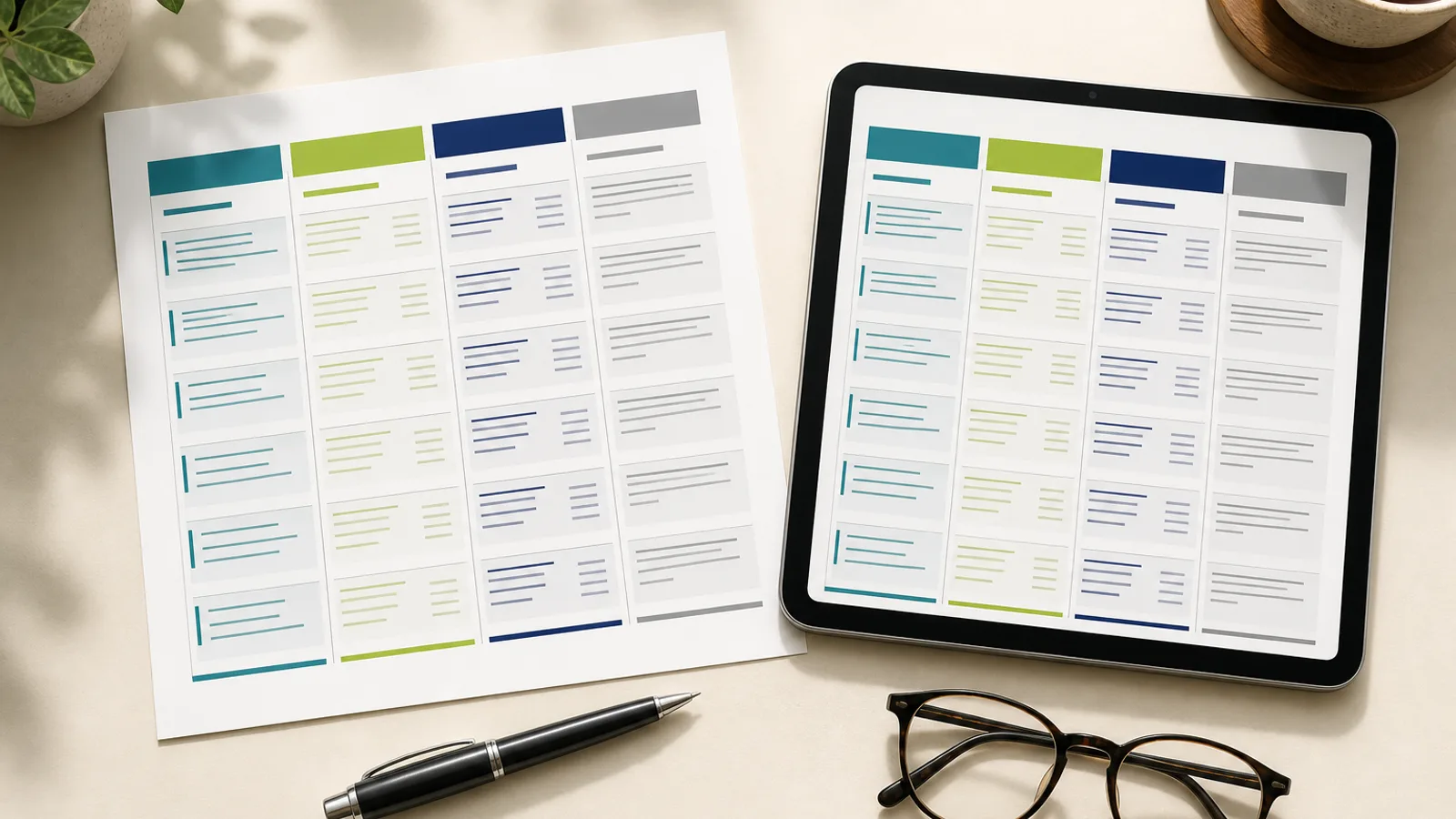
What this monthly attendance sheet is for
This template is the Excel version of the register most Indian offices, shops, clinics and small factories already keep on paper: one row per employee, one column per calendar day, a code in each cell. It is built for a team of roughly 5 to 60 people where one person (the owner, an admin or an HR executive) marks attendance once a day and needs month-end totals without adding anything up by hand.
It suits monthly-salaried staff and daily-rated workers alike, because the last column converts the codes into payable days. That number is what the salary sheet needs. If you also want in-time and out-time per day, use the employee attendance sheet with in and out time instead; this sheet deliberately tracks status only, which keeps it fast to fill.
Typical users: a two-branch retail chain with 25 staff, a dental clinic with 8 employees, a small garment unit with 40 workers, or a housing society office tracking 15 housekeeping and security staff supplied by a contractor.
What is inside: sheets and columns explained
The workbook has two sheets. The first, named Attendance, is the working sheet. At the top is a header block with three editable fields: Company, Department and Month/Year. Below that is the table. The first three columns are Emp ID, Employee Name and Designation. Then come 31 day columns numbered 1 to 31. For a 30-day month or February, you simply leave the extra columns blank; the formulas ignore empty cells.
After Day 31 come the calculated columns: Present, Absent, Half Day, Leave, Weekly Off, Holiday and finally Payable Days. Each of the first six uses a COUNTIF over that employee's 31 day cells. For an employee in row 5 with day columns running C to AG, the Present cell contains =COUNTIF(C5:AG5,"P") and the Half Day cell contains =COUNTIF(C5:AG5,"HD"). The Payable Days cell then combines them: =Present + 0.5*HalfDay + Leave + WeeklyOff + Holiday, which in cell terms looks like =AH5+0.5*AJ5+AK5+AL5+AM5.
The second sheet, Legend, lists the six codes so that whoever fills the sheet uses the same letters every month. Consistency matters because COUNTIF is exact: a lowercase p is fine (COUNTIF is case-insensitive), but P with a trailing space or Pr will not be counted.
- P = Present (full day worked)
- A = Absent (unauthorised or loss of pay)
- HD = Half Day (counted as 0.5 payable day)
- L = Leave (approved paid leave: CL, SL or EL)
- WO = Weekly Off (paid rest day)
- H = Holiday (declared paid holiday)
How to use it step by step
Start by filling the header: company name, department and the month. Then paste your employee list into the first three columns. If you already have an employee master in another workbook, copy only ID, name and designation and paste as values so no stray formatting comes across. Add rows by copying an existing row and inserting it, so the formulas in the total columns copy along with it.
Mark attendance daily, not at month end from memory. Enter the code for each employee for that date; leave future dates blank. Weekly offs and declared holidays can be pre-filled for the whole month on day one, which also makes it obvious when someone is marked P on a holiday (that usually means overtime or a comp-off is due).
At month end, check the Payable Days column against your expected count. In a 30-day month with 4 weekly offs and no holidays, a full-attendance employee should show 30 payable days (26 P plus 4 WO). If it shows 29.5, look for a stray HD. Then print (the sheet is set to landscape, fit to one page wide) or export to PDF for signatures, and copy the Payable Days column into your salary sheet.
- Freeze panes are set at column D and row 5 so names stay visible while you scroll across the days
- Use Ctrl+; to insert today's date in the header if you want a filled-on stamp
- Save a copy per month (Attendance-2026-09.xlsx) rather than overwriting; you need the history for audits
- Export to PDF via File, Save As, PDF when a client or auditor asks for an attendance sheet PDF
How to customise the codes, shifts and formulas
Many businesses need more than six codes. Common additions are OD (on duty or outdoor duty, paid), CO (comp-off availed, paid), LWP (leave without pay, unpaid) and T (training). To add one, insert a column before Payable Days, put a COUNTIF for the new code in it, and then decide whether it is paid or unpaid. Paid codes are added into the Payable Days formula; unpaid codes are not. Add the code to the Legend sheet too.
If you want an attendance percentage per employee, add a column with =Present/(Present+Absent+HalfDay+Leave) or use the attendance percentage calculator to decide which denominator your policy should use. Some companies exclude weekly offs and holidays from the denominator; others include leave as attended. Pick one rule and write it in the Legend sheet.
For a team running shifts, you can replace the single P code with shift codes such as G (general), M (morning), E (evening) and N (night) and count each with its own COUNTIF. That gives you night-duty counts for a night allowance. If shifts are your main problem, the duty roster format in Excel is a better starting point.
- Add conditional formatting: highlight cells equal to A in red and HD in amber so absences stand out on a printed sheet
- Use Data Validation (List) on the day cells with the source pointing at the Legend codes to block typos
- Protect the total columns with Review, Protect Sheet, leaving only the day cells unlocked
Rules and compliance context
An attendance sheet is not just an internal convenience. Under the Shops and Establishments Act of your state and under the Contract Labour (Regulation and Abolition) Act where it applies, employers must maintain an attendance or muster register that an inspector can examine. The Code on Wages 2019 and its rules continue this requirement in a consolidated form. This template is a working sheet; if you need the statutory-style register with signature cells and father's or spouse's name, use the attendance register format alongside it.
The weekly off column matters for pay. For daily-rated and minimum-wage workers, the common practice is to divide the monthly wage by 26, treating the four weekly offs as paid rest days. That is why WO is added into Payable Days here. If your company pays monthly salary on a calendar-day basis, your salary sheet may divide by 30 or the actual days in the month instead. The sheet does not force either approach; it only gives you the correct counts.
Keep filled sheets for at least three years; several state rules require it, and PF and ESIC inspectors routinely ask for attendance records to reconcile contribution days. A digital copy is fine as long as it cannot be altered after the fact, which is where a plain Excel file starts to look weak. The attendance register glossary entry summarises what the different registers must contain.
When the spreadsheet stops working
This sheet works well until about 60 employees, one location, and a single person marking attendance. Beyond that, three problems appear. Someone else needs to see the sheet on the same day, so it gets emailed or put on WhatsApp and versions diverge. Supervisors on a second site report attendance by voice call, and the admin types it in from memory the next morning. And nobody can tell whether a P was marked at 09:05 or entered at month end to fix a payroll dispute.
The practical answer is a system where the employee marks their own attendance with proof (face, selfie or GPS at the site) and the sheet you are used to becomes a report you download rather than a file you type into. Attend Mitra produces exactly this monthly view, with P, A, HD, L, WO and H derived from actual punches, grace periods and approved leave, and exports it as XLSX for your accountant. Read why Excel attendance sheets break down for an honest account of the tipping point, or start with the guide on how to make an attendance sheet in Excel if you want to keep building your own.