
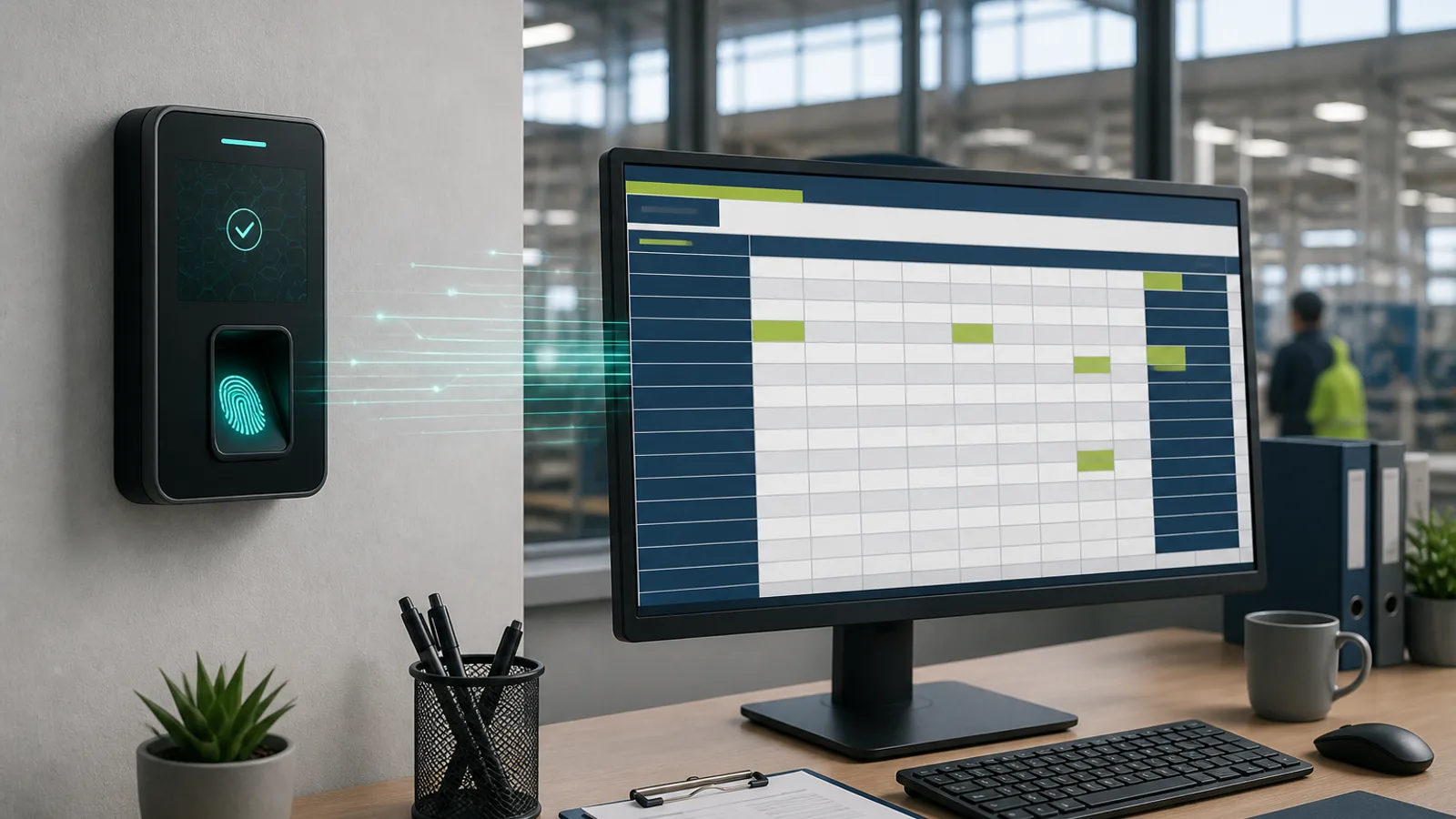
The three kinds of attendance machine and what each actually verifies
An attendance machine is a fixed device at a door or gate that records a punch when an employee presents something: a finger, a face or a card. The three families behave differently and the differences matter more than brand. Fingerprint machines match a live scan against templates stored in the device; they are cheap and mature but struggle with wet, dusty, cut or worn fingers, which is why they misbehave in kitchens, construction sites and garment units where hands take a beating.
Face terminals capture an image (often with an infrared sensor for low light and depth) and match it against enrolled descriptors. They are touchless, faster in a queue, and handle 1:N identification of several hundred people at a gate. Their weak points are strong backlight, mask mandates and the higher unit cost. Card or RFID machines verify only that a card was presented, not who presented it, which makes them the fastest and the easiest to defraud: a card handed to a colleague is a proxy punch with no trace.
Every machine also has a data path: an Ethernet or Wi-Fi link to a server, a USB pen-drive export, or a cloud push from the device firmware. That data path decides how much manual work sits between the punch and the payroll register, and it is often more important than the sensor. The biometric attendance glossary entry explains the terms vendors use for templates, matching and data push.
- Fingerprint: cheapest, fails on worn or wet fingers, common in offices and small factories
- Face terminal: touchless, handles high footfall, higher cost, sensitive to backlight and masks
- Card/RFID: fastest and cheapest per punch, but verifies the card, not the person
- Judge the data path (cloud push, LAN, USB export) as seriously as the sensor
Total cost of ownership: what drives the price beyond the device
The sticker price of the machine is the smallest part of what you will spend over three years. Each physical site needs its own device, so a company with six branches buys six machines plus spares, whereas an app costs the same per employee regardless of how many sites they are spread across. Installation involves mounting, power, a network point or Wi-Fi extender, and often a small UPS so a power cut does not wipe the morning punches. In many buildings, running a network cable to the gate is the single largest line item.
Recurring costs are where machine-based setups surprise buyers. An annual maintenance contract covers sensor cleaning, firmware updates and replacement of failed units, and without it a dead device leaves a site on paper registers for weeks. Software licences for the vendor's attendance application, per-device or per-user, are often separate from the hardware. Devices in dusty or humid environments have a shorter life, and every replacement means re-enrolling everyone if templates are stored only on the device.
Apps have their own cost structure: a per-employee monthly subscription, the phones themselves if the company issues them, and data plans for field staff. For teams that already carry smartphones, the marginal hardware cost is zero. The honest comparison is per employee per month over three years, including HR time spent on manual exports and corrections, not device price against subscription price.
- Count one device per gate or site plus spares; multi-site businesses multiply the cost
- Budget installation: mounting, power, UPS, and the network run to the gate
- Add AMC, software licences and replacement cycles for harsh environments
- Compare on a three-year per-employee basis that includes HR time on exports and fixes
Where the attendance machine wins
A single gate with heavy footfall is the machine's home ground. When 600 workers enter a factory between 08:30 and 09:00, a wall-mounted face terminal processes each person in a second or two without anyone touching a phone, and the punch is tied to a physical location by definition. The device does not depend on the worker owning a smartphone, keeping it charged, having a data plan or remembering to open an app.
Machines also suit workplaces where phones are restricted: clean rooms, explosive-handling areas, some hospital wards, high-security facilities and many shop floors where personal mobiles are prohibited by standing orders. In those settings an app-based punch would require workers to carry the phone to the gate and then lock it away, which defeats the purpose.
Finally, a machine is a visible, neutral referee. In a unionised environment or one with a history of disputes, a fixed device with a printed punch log that everyone can see tends to be accepted more readily than a supervisor's phone. The trade-off is that the machine knows nothing about what happens once the worker is past the gate, which is fine for a factory and useless for a guard at a client site.
- One or two gates with hundreds of punches in a short window
- Workforces without smartphones, data plans or the habit of using apps
- Phone-restricted zones where personal mobiles cannot be carried to the workstation
- Environments where a neutral fixed device reduces disputes
Where the attendance app wins
Distributed and mobile work is where a fixed machine simply cannot be placed. A security agency with guards across 40 client sites cannot install 40 terminals it does not own the walls for. A facility-management company whose housekeepers rotate between housing societies, a construction contractor with labour moving between plots, and a field-sales team visiting clinics have no fixed gate to bolt anything to. An app on the worker's or supervisor's phone, with GPS and a geofence per site, is the only practical way to prove presence at those locations.
Apps also win on speed of deployment and change. Opening a new site is a geofence drawn on a map, not a purchase order and an electrician. A worker moving from one site to another needs a roster change, not a re-enrolment on a different device. Contract labour that joins for two weeks can be onboarded in minutes and offboarded just as fast. The employee time tracking methods compared guide sets these methods side by side by work pattern.
For employers who also want shift rosters, leave requests, regularization approvals and payslip delivery in the same place, the app is the natural hub because employees already have it in their pocket. A machine records punches; an app can run the whole attendance-to-payroll workflow, including the corrections that otherwise land on HR's desk as WhatsApp messages.
- Multi-site operations, especially at client premises you do not control
- Field, mobile and rotating staff with no fixed gate
- Contract labour and high-churn teams needing fast onboarding and offboarding
- Companies that want rosters, leave and regularization in the same tool as attendance
Hybrid setups: machine at the gate, app everywhere else
Most mid-sized Indian businesses end up with both, and the mistake is running them as two disconnected systems with two registers that HR reconciles in Excel at month-end. The better pattern is one attendance platform that ingests punches from the biometric device at the head office or factory gate and from the app for field, site and branch staff, so every employee has one record regardless of how they punched.
Device integration typically works in one of three ways: the machine pushes punches to the cloud platform through its firmware, a small connector on the local network pulls the device log at intervals, or an HR executive uploads the device export file on a schedule. The first two remove manual work; the third is acceptable for a single device but does not scale. Ask the software vendor which specific device models and protocols they support before buying the hardware, not after.
A hybrid also gives you a fallback. If the fingerprint machine at a plant fails on a Monday morning, staff can be told to punch via kiosk mode on a tablet or via face verification on a supervisor's phone, and the records still land in the same register. Attend Mitra supports this arrangement with biometric device integration alongside its face, GPS, QR, kiosk and web attendance modes, so a company can run a terminal at the factory gate and the app for guards, field teams and branches within one console. The biometric attendance software page lists the integration approach.
- Run one platform that receives punches from devices and apps into one record per employee
- Prefer firmware cloud push or a LAN connector over manual file uploads
- Confirm supported device models with the software vendor before purchasing hardware
- Use app or kiosk mode as the fallback when a machine fails
How the data reaches payroll, and the fraud vectors of each method
The payroll executive does not care whether a punch came from a finger or a phone; she cares whether the month's present days, late marks, half days, overtime hours and LOP arrive as clean numbers by the cutoff date. A standalone machine usually produces a raw punch log that must be exported, paired into in/out sessions, matched to shift timings and then summarised, which is the manual work described in how to export biometric attendance to payroll. A connected platform applies shift rules, grace periods and overtime logic as punches arrive, so the payroll input is ready without a spreadsheet stage.
Each method has a characteristic fraud. Card machines suffer from card sharing. Fingerprint machines are hard to spoof directly but are bypassed by the supervisor's manual punch entry when a finger fails, and those manual entries are where padding hides. Face terminals without liveness can be fooled by a photo. Apps face GPS spoofing, selfie replays if there is no liveness, and punching in and then leaving the site. None of these is unbeatable; each needs a specific control, and the control must be part of the record so a disputed punch can be examined later.
Whatever you choose, insist on an audit trail: who punched, how it was verified, where, and every subsequent edit with the editor's name and reason. A register that can be silently corrected is a register that will be silently corrected.
- Card sharing: fix with photo-on-punch or switch to biometric
- Manual override entries on fingerprint machines: cap them and report them monthly
- Photo spoofing of face terminals: require liveness detection
- GPS spoofing and leave-after-punch on apps: mock-location flagging, geofence, selfie, mid-shift checks for guards
Decision checklist
Work through the questions below with your operations head and payroll executive together. The answers usually point clearly to one primary method, and the exceptions tell you whether you need a hybrid. If more than two answers point to 'app', a machine-only setup will leave part of your workforce on paper. If your entire workforce enters through one gate and phones are not allowed inside, an app-only setup will frustrate everyone.
Then run a short pilot with the shortlisted method in the hardest location you have, not the easiest: the basement post, the dusty plant gate, the branch with poor mobile signal. A method that survives that site will survive the rest. The buyer's guide to attendance software in India covers vendor evaluation once you have settled on the method.
- How many physical sites need attendance, and do you control the premises at each?
- Do all employees carry a working smartphone with data during their shift?
- Are phones prohibited anywhere the punch must happen?
- Does location during the shift matter for pay or client billing, or only presence at a gate?
- How many people punch within the busiest 15-minute window at your largest site?
- How often do staff join, leave or move between sites?
- Who will export or reconcile punches for payroll each month, and how many hours does it take today?
- Which single fraud has cost you most in the last year: card sharing, manual overrides, proxy punches or fake location?